One fiber goes in.
Every branch stays accounted for.
SpliceMap gives fiber providers a single, accurate map of the optical network — every ODF port, splice closure, splitter, and connection between them, from the OLT to the last subscriber.
The network isn't just fiber. It's ODFs, closures, and every connection between them.
A single strand leaving the OLT passes through an ODF, splits at a splitter, and gets joined again and again inside splice closures on its way to the subscriber. One mislabeled port or bad connection doesn't affect one customer — it can take down an entire branch.
SpliceMap keeps a live, verified map of all of it: ODF port assignments, the location and fill of every closure, and the connections that tie them together — matched against what's actually in the field.
Planners see the whole network. Technicians see exactly the closure or ODF they're standing in front of. Everyone works from the same source of truth.

Everything the network team needs, in one place.
Six tools, one shared record. No spreadsheets, no out-of-date diagrams passed around by email.
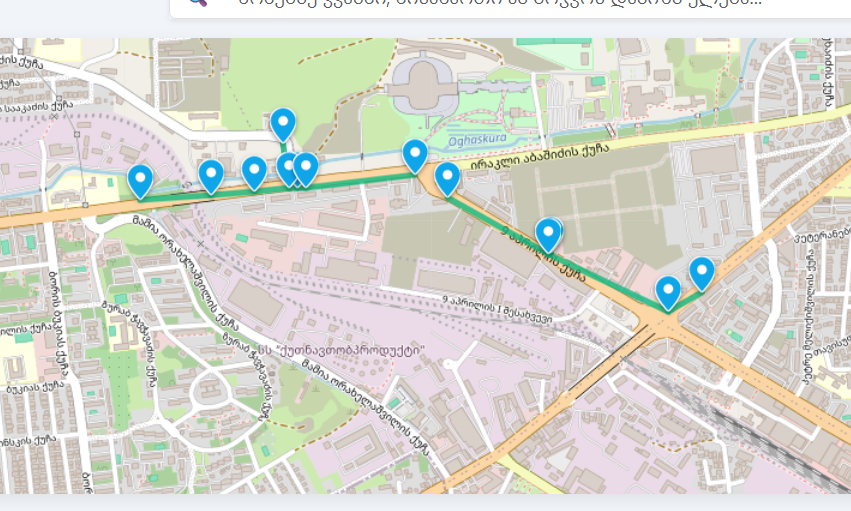
Optical network map
An interactive map traces every path from OLT to subscriber — ODFs, splitters, closures, and cable runs — and updates as the network grows.
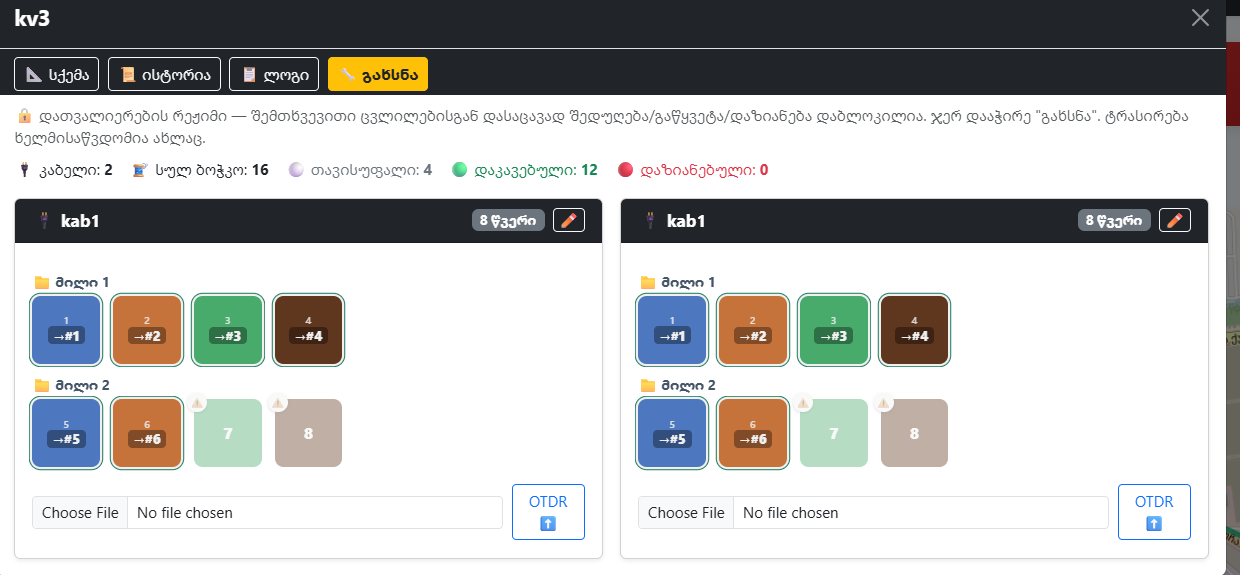
Splice closures
Every closure is on the map with its location, fiber count, and current fill, so planners know exactly how much capacity is left before a truck rolls out.
ODF management
Track port assignments on every distribution frame — what's patched, what's free, and which cable it feeds — without walking the rack to check.
Connection records
Each fiber-to-fiber connection, inside a closure or across an ODF, is recorded and checked against the physical route so mismatches surface before they cause an outage.
Role-based access
Technicians, planners, and administrators each see exactly what their role needs — nothing more, nothing hidden.
Activity logging
Every change is recorded — who touched what, when, and why — giving the team a full, searchable history.
SpliceMap, in the field and at the desk.
Drop your own screenshots into the images/ folder using the filenames below and they'll appear automatically.
Optical network map
01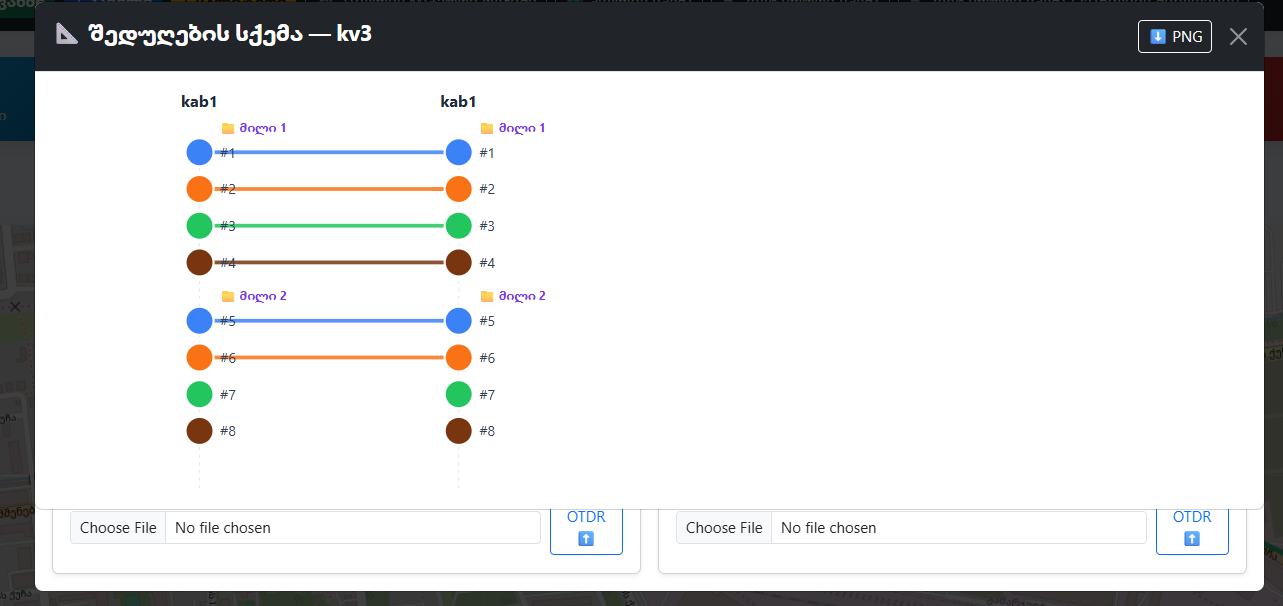
Splice closures
02
ODF management
03
Connection records
04
Role-based access
05
Activity logging
06See your network
in SpliceMap.
Tell us a bit about your network and we'll walk you through the platform with a topology close to your own — ODFs, closures, splitters, and the connections between them.